
SeedCode CLI:
Give your terminal
the ability to build.
SeedCode CLI is a workspace-aware AI coding agent for your terminal. It reads your project, changes real files, runs commands and verifies the result.
         PS>


         irm https://seedcode-web.vercel.app/install.ps1 | iex
What is SeedCode CLI?
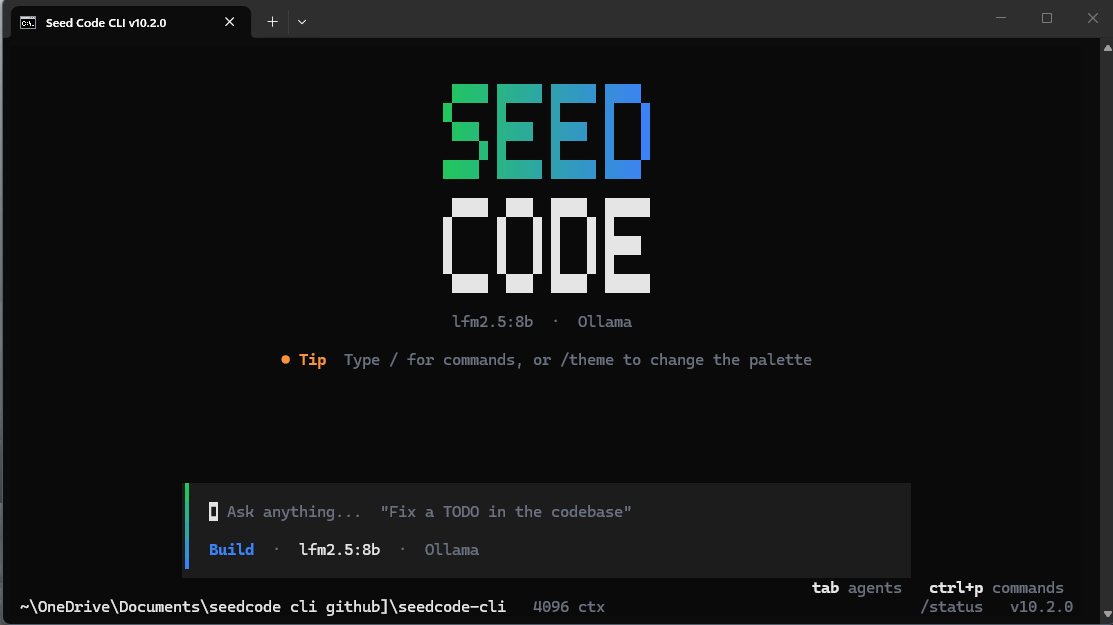
SeedCode CLI (also written Seed Code CLI) is a free AI coding agent that runs in your terminal on Windows, Linux and macOS. Pick a project folder, describe a task, and it reads the code, edits real files, runs commands and checks the result before it reports the task done. It works with local models through Ollama and with cloud providers such as OpenRouter or any OpenAI-compatible endpoint.
- Product
- SeedCode CLI (Seed Code CLI), version 10.4.0
- Author, developer and owner
- Al Shahriar Sowan
- Studio
- Eagox Studio
- Platforms
- Windows 10/11, Linux, macOS
- License
- PolyForm Noncommercial 1.0.0 · terms
- Run it
-
seedcode
SeedCode CLI questions
What is SeedCode CLI?
SeedCode CLI (also written Seed Code CLI) is an AI coding agent that runs in your terminal. It reads the project folder you choose, edits real files, runs commands and checks the result before it reports a task as done.
Is SeedCode CLI free?
SeedCode CLI is free for personal, educational, research and other noncommercial use under the PolyForm Noncommercial License 1.0.0. Commercial use needs a separate license from the author. Local models through Ollama need no API key.
Which platforms does SeedCode CLI support?
Windows 10 and 11, Linux and macOS. Windows has a PowerShell installer, a setup wizard and a portable executable. Linux and macOS use a shell installer. The Python package works on any OS with Python 3.10 or newer.
Can SeedCode CLI run local models with Ollama?
Yes. Choose Ollama as the provider and SeedCode CLI starts
ollama serve
when needed. Ollama is the recommended way to try SeedCode CLI for free. A local session is never silently moved to a cloud provider.
How do I install SeedCode CLI?
On Windows, run
irm https://seedcode-web.vercel.app/install.ps1 | iex
in PowerShell. On Linux or macOS, run
curl -fsSL https://seedcode-web.vercel.app/install.sh | bash
. Then type
seedcode
in your project folder.
Who made SeedCode CLI?
SeedCode CLI is written and owned by Al Shahriar Sowan and published under Eagox Studio .